
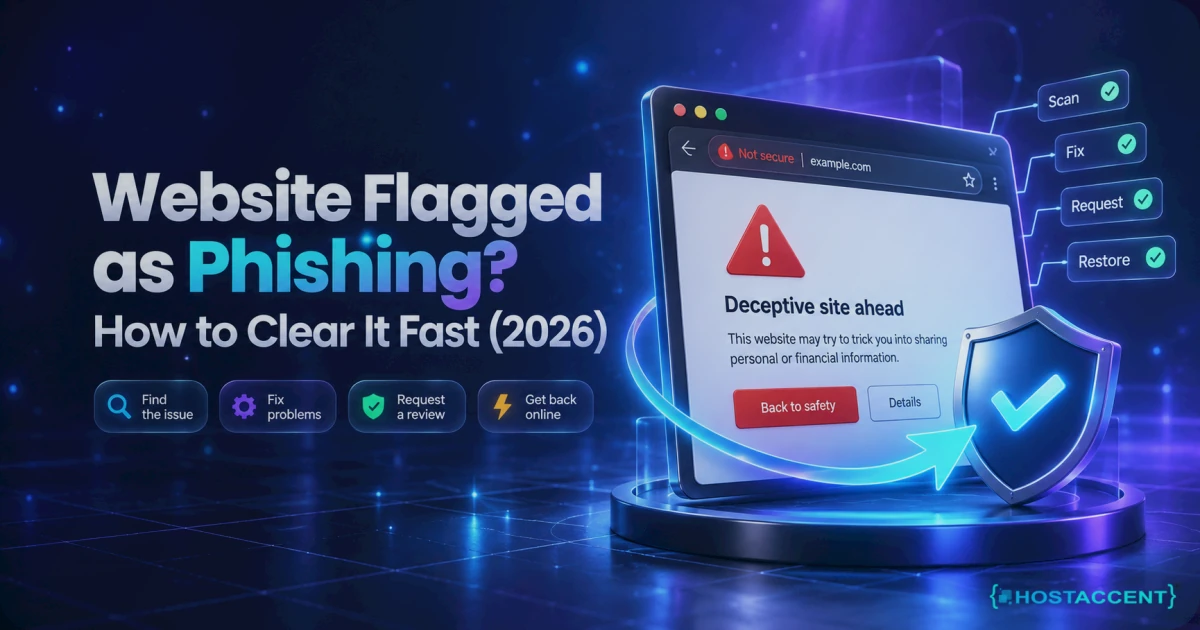
Quick Answer: A website flagged as phishing is blocked because one security vendor found, or believes it found, a credential-harvesting page on your domain. Clearing it takes three moves in order: identify which vendor flagged you, delete the injected files and the backdoor that placed them, then request a review from each vendor separately. Clean sites are usually unblocked within 72 hours.
Last verified: September 2026 — checked against Google's Search Console security-issue documentation, the Safe Browsing Transparency Report, WordPress 7.0.2 and PHP 8.3.
The warning is not a glitch, and it will not expire on its own. Every hour it stays up, your traffic drops off a cliff, your links get stripped out of emails, and customers quietly assume the worst. Across the 4,000+ sites Hostaccent has migrated since 2016, the pattern behind these flags is nearly always the same: one small file uploaded through a gap nobody was watching. What follows is the full fix, in the order our engineers work it, with nothing held back.
What "Website Flagged as Phishing" Actually Means
A phishing flag is a blocklist entry, not a search penalty. One vendor decides that a URL on your domain harvests credentials, publishes that verdict to a feed, and every browser subscribing to that feed paints a full-page red interstitial over your site. Five separate systems run these feeds, and clearing one does not clear the others. That single fact is why most cleanups stall halfway.
Google's version says "Deceptive site ahead" and comes from Safe Browsing. Microsoft's comes from Defender SmartScreen and also strips your links out of Outlook. Netcraft feeds a long list of downstream products. Cloudflare shows its own "Suspected Phishing" page on proxied domains. Apple runs a separate list for Safari.
| Vendor / feed | Where the block shows | Where you appeal | |---|---|---| | Google Safe Browsing | Chrome, Firefox, Safari, Android | Search Console, Security Issues report | | Microsoft Defender SmartScreen | Edge, Outlook link scanning, Windows | The Edge warning page, "report that this site doesn't contain threats" | | Netcraft | Feeds browsers, antivirus vendors and hosts | incident.netcraft.com | | Cloudflare | "Suspected Phishing" interstitial on proxied sites | Cloudflare dashboard review request | | Apple | Safari on iOS and macOS | websitereview.apple.com |
Google publishes the exact behaviour it penalises in its social engineering and deceptive content policy, which is worth reading once so you know what the reviewer is looking for.
How do I tell which one actually blocked me?
Read the warning text, because each vendor words it differently. Then check your domain in the Safe Browsing Transparency Report, open Search Console, and load your site in Edge and in Safari on a phone. If Chrome is clean but Edge still blocks, you have a SmartScreen entry, not a Google one. Different problem, different form.
Why Your Site Got Flagged, Ranked by What We Actually See
Roughly four out of five of these cases are a genuine compromise rather than a mistake, and the entry point is almost always a file-upload path that should never have accepted PHP. According to Hostaccent's own support queue, where our engineers work through 20 to 30 client issues a day, the most common single cause is an outdated plugin or theme that allowed an arbitrary upload into a public directory.
Ranked by frequency:
- An uploaded phishing kit. A small folder impersonating a bank, courier or webmail login, usually buried under
wp-content/uploads/with an innocent-looking name. - Stolen control panel or FTP credentials. No vulnerability needed. The attacker simply logs in, which is why the FTP login failures some owners see afterwards are often the first visible symptom.
- A compromised third-party script or ad tag pulling in content you never wrote.
- A genuine false positive. Your own login or payment form looked close enough to a brand template for an automated classifier.
- Domain history. You bought a name that was abused years ago and the old entry resurfaced.
A false positive phishing website flag is more common than people expect, particularly on new domains, cheap TLDs, and sites with a login form styled after a well-known service. The appeal path is the same, but the evidence you attach matters far more than the wording.
Pro Tip: Before you assume you were hacked, check whether your domain had a previous owner. Reputation systems have long memories, and a name that ran a fake store in 2019 can drag a spotless 2026 site straight onto a blocklist within days of going live.
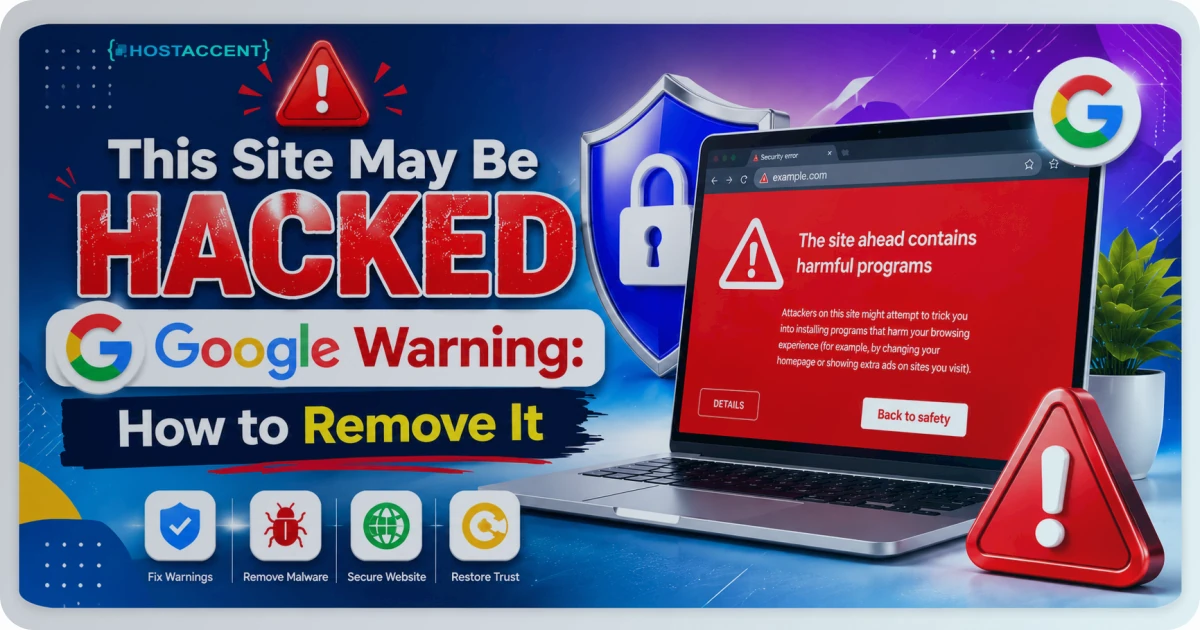
If your site also shows a grey label under its search listing rather than a full block, that is a different signal with a different fix, covered in our guide to the This Site May Be Hacked Google warning.
Find and Remove the Phishing Kit Before You Appeal Anything
Appealing a dirty site is the single most expensive mistake here, because a failed review pushes you to the back of the queue and the block stays up for days longer. Clean first, always. Expect 30 to 90 minutes on a normal WordPress install, longer if the attacker had shell access and seeded multiple backdoors.
Start with the flagged URLs. Search Console lists sample paths under Security Issues, and those paths tell you which directory to open first.
Then find what changed. Over SSH:
find /home/USER/public_html -type f -name "*.php" -mtime -14 | head -50
That lists PHP files modified in the last 14 days. On a site nobody has edited recently, anything in that list is suspect.
Next, hunt the usual kit markers:
grep -rEl "eval\(base64_decode|gzinflate\(base64_decode|str_rot13\(" /home/USER/public_html
Then check the folder that should never contain executable code at all:
find /home/USER/public_html/wp-content/uploads -name "*.php"
The correct result is nothing. A single hit there is your kit.
Pro Tip: Take a full snapshot before you delete one byte. Not for rollback alone, but for evidence. Reviewers sometimes ask what you removed, and "I deleted everything and cleared the logs" is a genuinely weak answer.
Now verify core integrity with WP-CLI, which compares your files against the official checksums:
wp core verify-checksums
wp plugin verify-checksums --all
Anything flagged as altered gets replaced from a clean copy, not patched by hand. Then inspect .htaccess for injected redirect rules, open wp-config.php for stray include statements, check wp-content/mu-plugins/ (a favourite hiding place, since those load automatically), and run crontab -l to catch a scheduled job that reinstalls the kit an hour after you clean it.
Finish by closing the door. Rotate every password: hosting panel, FTP, database, all admin accounts. Kill live sessions with wp user session destroy --all, remove admin users you do not recognise, and update core, plugins and themes to current versions. A site still on an unsupported PHP branch should move to PHP 8.3 at this point.
Live site and no time to experiment? Our engineers clean phishing kits and handle the blocklist appeals for a small one-time fee, and you see the exact quote before anyone touches your files. Hosted with Hostaccent? Issues like this are simply covered by support, at no charge. Have an engineer fix it
If cleanup leaves parts of the site throwing permission errors, that is usually ownership drift from the edits rather than a second infection, and our 403 Forbidden fix walks through it.
Still blocked at Cloudflare?
Send the error code, affected hostname, and recent DNS or SSL changes. We will separate edge, origin, firewall, and certificate causes before proposing work.
Request the Review From Every Vendor, Not Just Google
Each blocklist clears on its own timetable and none of them talk to each other. Google typically resolves phishing reviews in a few days, sometimes within 72 hours; Netcraft often moves in hours; SmartScreen is the slowest and least predictable of the five. Submit to every vendor that is still blocking you on the same day, then track each case reference separately.
Google. Open the Security Issues report, confirm the listed URLs now return clean, and select Request Review. Google's own guidance on writing a review request asks for three things: what the issue was, what you did, and the outcome. The Security Issues report documentation explains what each category means. A Google Safe Browsing review submitted with specifics clears far faster than a one-line plea.
Microsoft. Load the blocked URL in Edge, open the warning page, choose More information, and report that the site does not contain threats. Keep the ticket ID.
Netcraft. Submit through their incident portal with the incident reference from the original report if you have it.
Cloudflare. Proxied domains get a Request Review button in the dashboard for the affected zone. Cloudflare's Trust and Safety team handles it, and a Netcraft retraction does not clear it automatically.
Apple. Submit at websitereview.apple.com. Replies are rare, so resubmit after a week rather than waiting.
Insider Insight: In our experience the appeals that clear fastest read like an incident report, not an apology. Name the file path you removed, the vulnerable plugin version, the date, and the hardening you applied. Reviewers are pattern-matching for evidence of understanding, and vague reassurance reads exactly like a repeat offender.
One more trap worth knowing: a broken or expired certificate during cleanup can add a second warning layer on top of the first, so confirm your SSL is valid before you appeal. If renewals are the problem, our Certbot renewal fix covers the usual causes.
Confirm the Warning Is Gone and Keep It That Way
Do not trust your own browser, because a cached interstitial can persist for hours after the block lifts. Verify properly: check the Safe Browsing Transparency Report again, load the site in a fresh private window in Chrome, Edge and Safari, test from mobile data rather than your office network, and confirm Search Console shows no outstanding security issues.
Then close the gap permanently. The highest-value change takes two minutes: drop a .htaccess file into wp-content/uploads/ containing a Files "*.php" block set to Require all denied. That one rule neutralises the most common upload path attackers use, and it costs nothing in performance.
After that, the shortlist that actually matters:
- Keep core, plugins and themes current. WordPress 7.0.2 is the release to be on as of September 2026, and the official documentation covers safe update practice.
- Turn on two-factor authentication for every administrator.
- Run a WAF and ModSecurity in front of the site, plus file integrity monitoring so a new PHP file in uploads raises an alert rather than a blocklist entry.
- Keep offsite backups on a schedule you have actually tested by restoring.
- Remove plugins you stopped using. Deactivated is not uninstalled, and the code still sits on disk.
Blocklist flags rarely arrive alone. If the site starts timing out or throwing edge errors during the same week, work through our guides on diagnosing downtime and Cloudflare SSL handshake failures before assuming a second compromise.
Your Next Step: A Site That Stays Off the Blocklists
Fixed it yourself? Then keep the one habit that matters: patch weekly, and block PHP execution inside your uploads folder, because that single rule shuts the door the kit came through. Getting a website flagged as phishing cleared once is a project. Keeping it clear is maintenance, and on a properly managed host that is support's job rather than yours. Hostaccent runs that side for you on Economy — $1.99/mo (it renews at $1.99/mo), with a 99.99% uptime guarantee and 30 days to change your mind: start on the Economy plan. One honest caveat: Economy is sized for a single site, so agencies juggling client builds want Standard instead. Still stuck? Open a ticket and have an engineer take it, with the exact quote shown before any work starts.
Written by The Hostaccent Team. Hostaccent Limited is a UK-registered hosting company (Companies House 11431799, incorporated 2018), hosting since 2016 and serving 10,000+ clients worldwide with 24/7 support from our own engineers.
Frequently Asked Questions About Phishing Flags
How long does it take to remove a phishing warning after a review request?
Google usually processes phishing reviews faster than any other category, often within 72 hours and sometimes in about a day, provided the site is genuinely clean when you submit. Malware reviews take a few days and spam-related reviews can run to several weeks. Netcraft frequently responds within hours. Microsoft Defender SmartScreen is the slowest and least predictable, and a second submission after a week is reasonable if you hear nothing back.
Why is my website being flagged as phishing when malware scans come back clean?
Two reasons dominate. First, most scanners only check files they can reach publicly, so a kit sitting in an obscure subdirectory with no inbound links gets missed entirely. Second, it may be a genuine false positive triggered by a login form that resembles a known brand, a young domain, or a name with a bad history under a previous owner. Check the flagged URLs in Search Console before assuming the scanner is right.
Is a website flagged as phishing going to lose its search rankings?
The flag itself is a browser safety warning rather than a ranking penalty, but the damage arrives anyway. Your click-through rate collapses because visitors see an interstitial instead of your page, engagement signals fall, and Google may label the listing in results. Sites cleared within a few days typically recover their previous positions within two to four weeks. Leave it for a month and the recovery takes considerably longer.
Google cleared my site, so why does Edge or Safari still block it?
Because each vendor maintains its own list and none of them syncs automatically. A Netcraft retraction does not clear Microsoft Defender SmartScreen, and a Google clearance does not clear Cloudflare's interstitial or Apple's Safari list. This is the single most common reason a cleanup appears to fail. Work through every vendor still blocking you, submit a separate appeal to each one, and keep the case reference each returns.
Should I move to a new domain to escape the blocklist?
Almost never, and it usually makes things worse. You would abandon every backlink, every ranking and every piece of brand recognition, while the underlying compromise travels to the new domain along with your files. Blocklist entries also propagate to new domains sharing the same server IP or hosting account. Clean the site properly, appeal, and keep the name. Migration is a last resort for genuinely poisoned domain histories.
Can I request a review before finishing the cleanup?
No, and attempting it costs you real time. Reviewers re-scan the flagged URLs, and if anything malicious remains, the request is rejected and your site stays blocked while you wait for a second review slot. Google explicitly warns that premature requests prolong the warning period. Verify that every flagged path returns clean content, confirm no scheduled task is reinstalling the kit, then submit once with a detailed description.






Discussion
Have a question or tip about this topic? Share it below — your comment will appear after review.